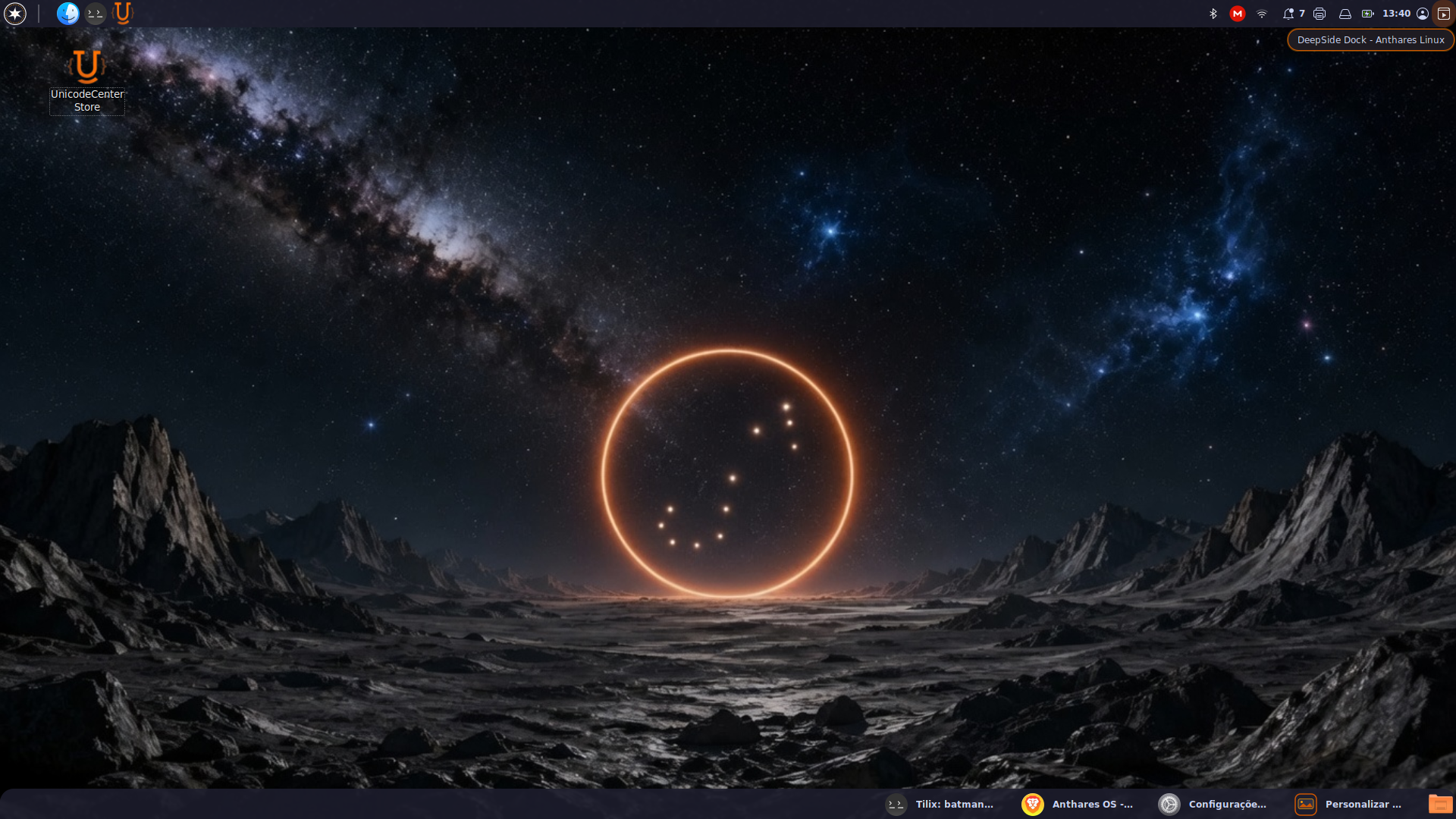
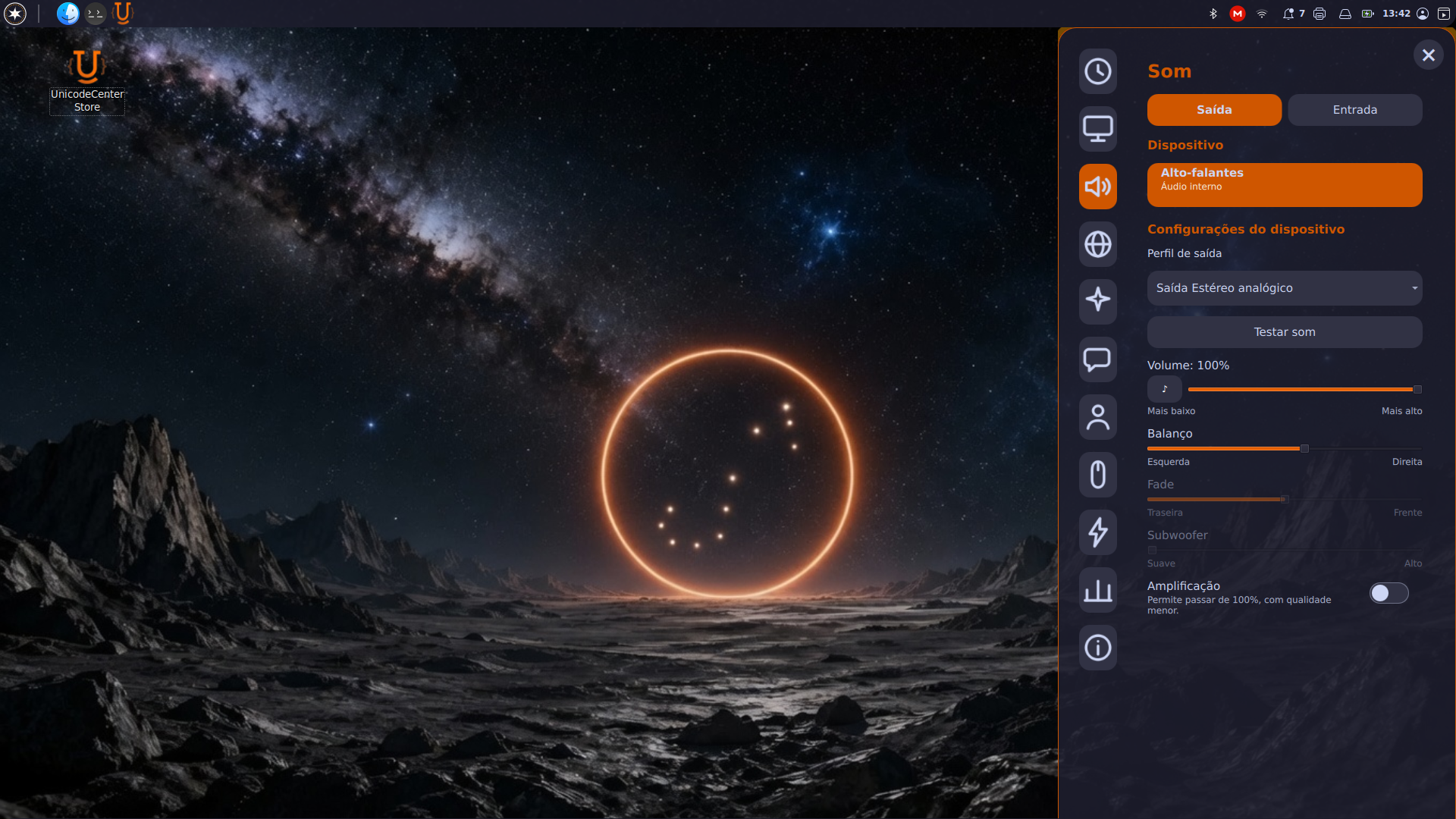
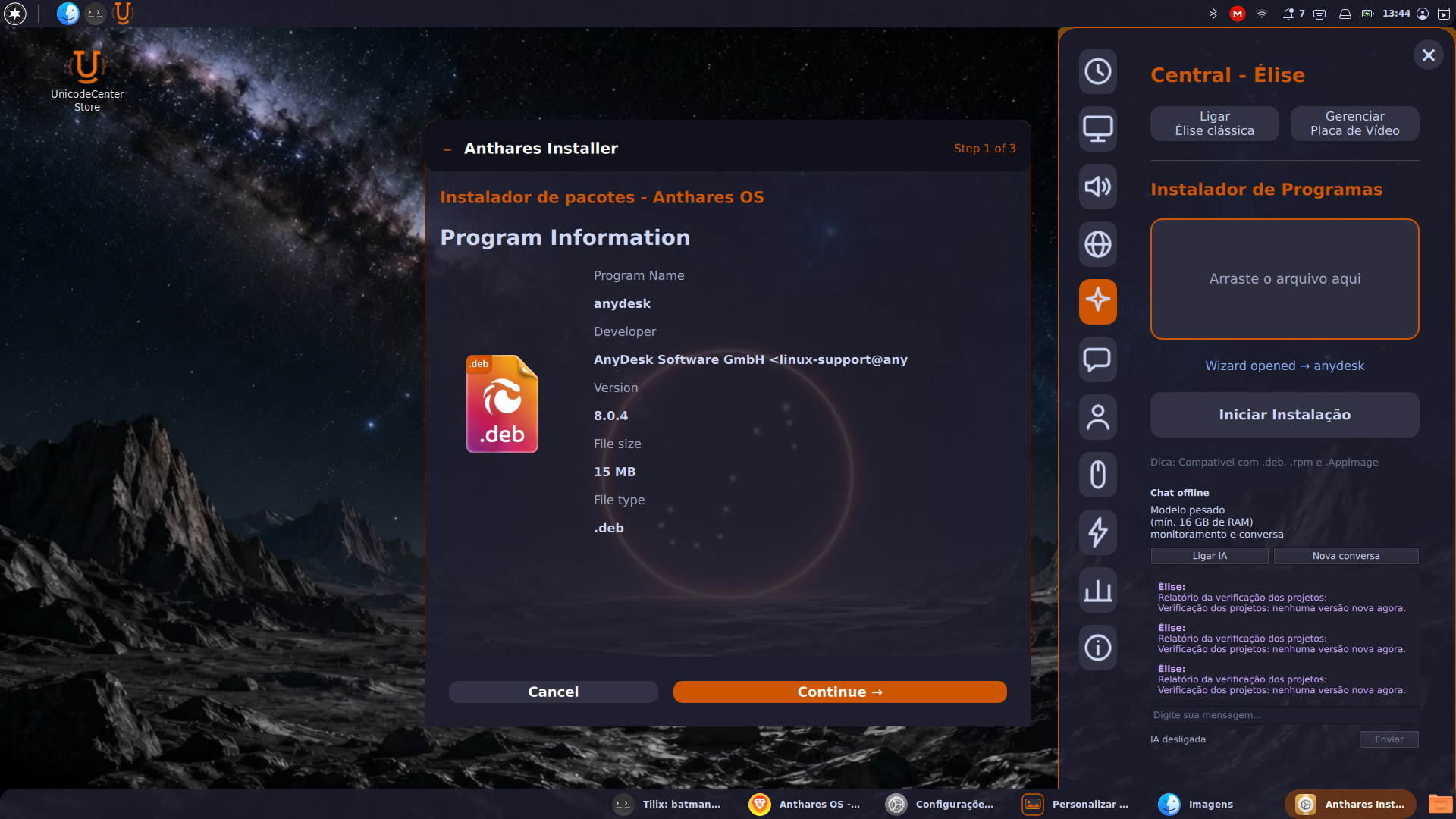
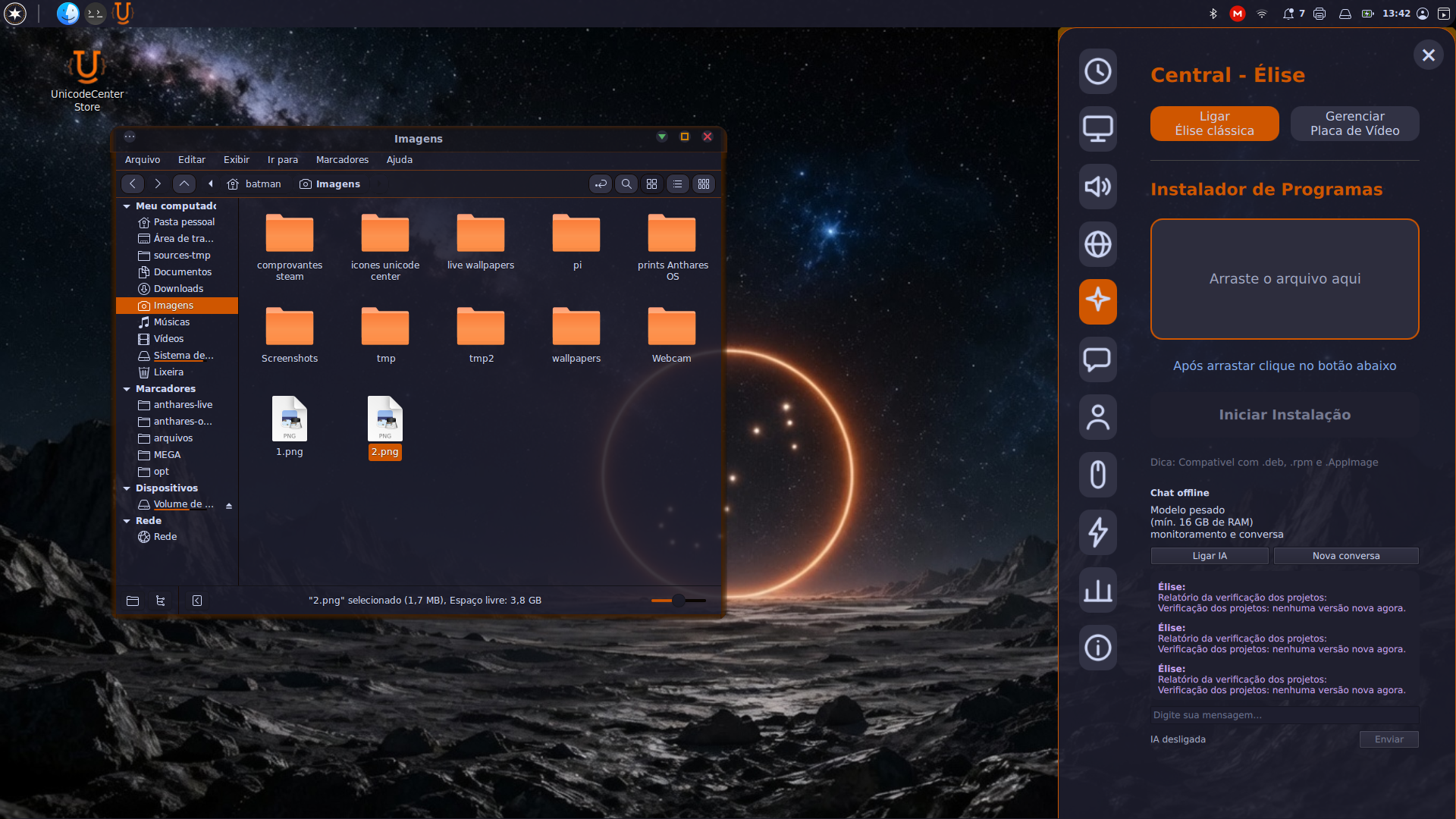
Open the Anthares OS dock from the icon at the top rightA complete, elegant control panel from the dockInstall DEB, RPM, and AppImage programs by dropping them on the dock
Assistant1 image
Turn on the virtual assistant or its AI version from the dock
Appearance2 images
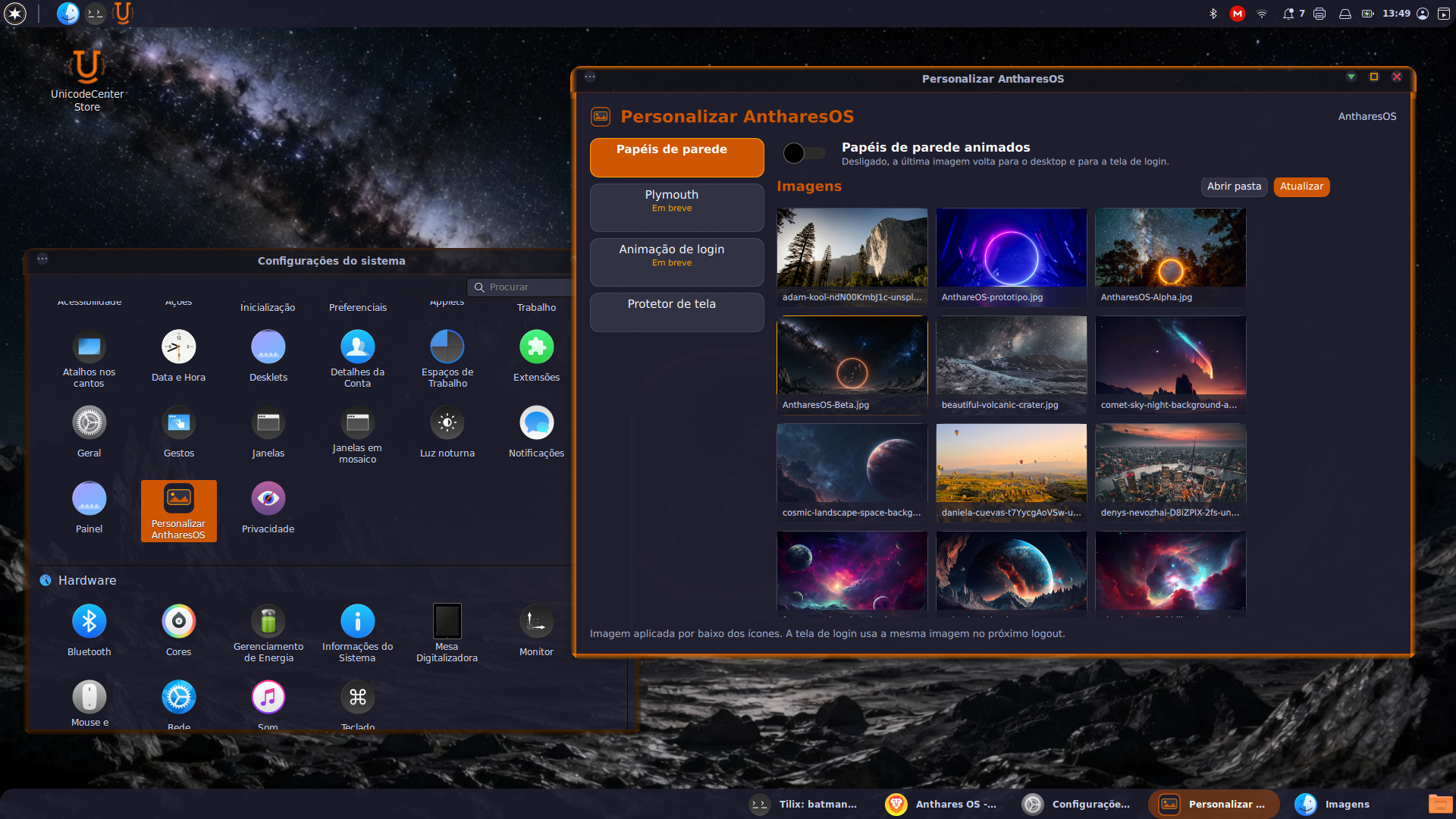
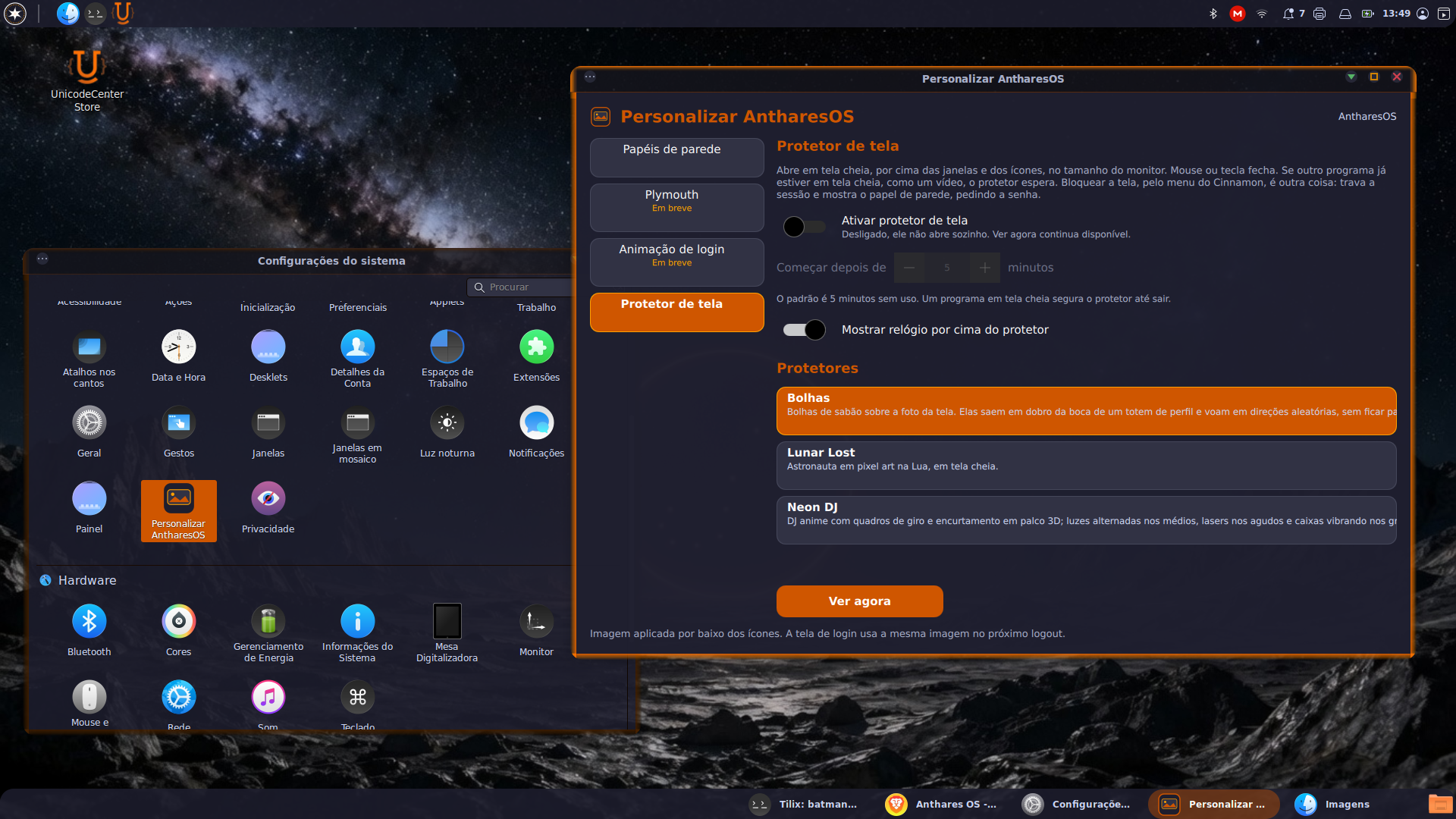
Customize the distro with animated wallpapersScreensavers exclusive to Anthares OS
App menu1 image
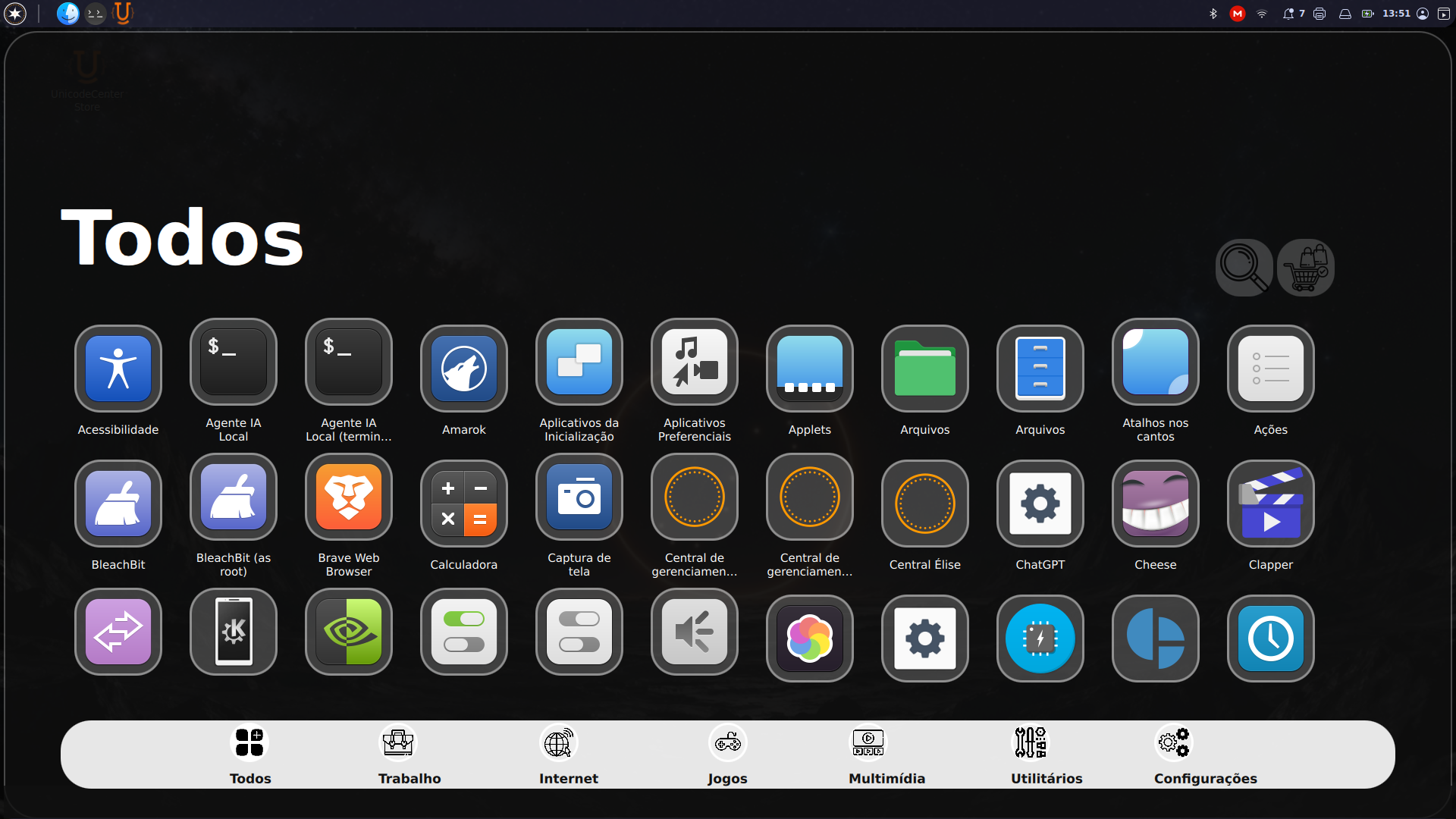
Anthares OS application menu
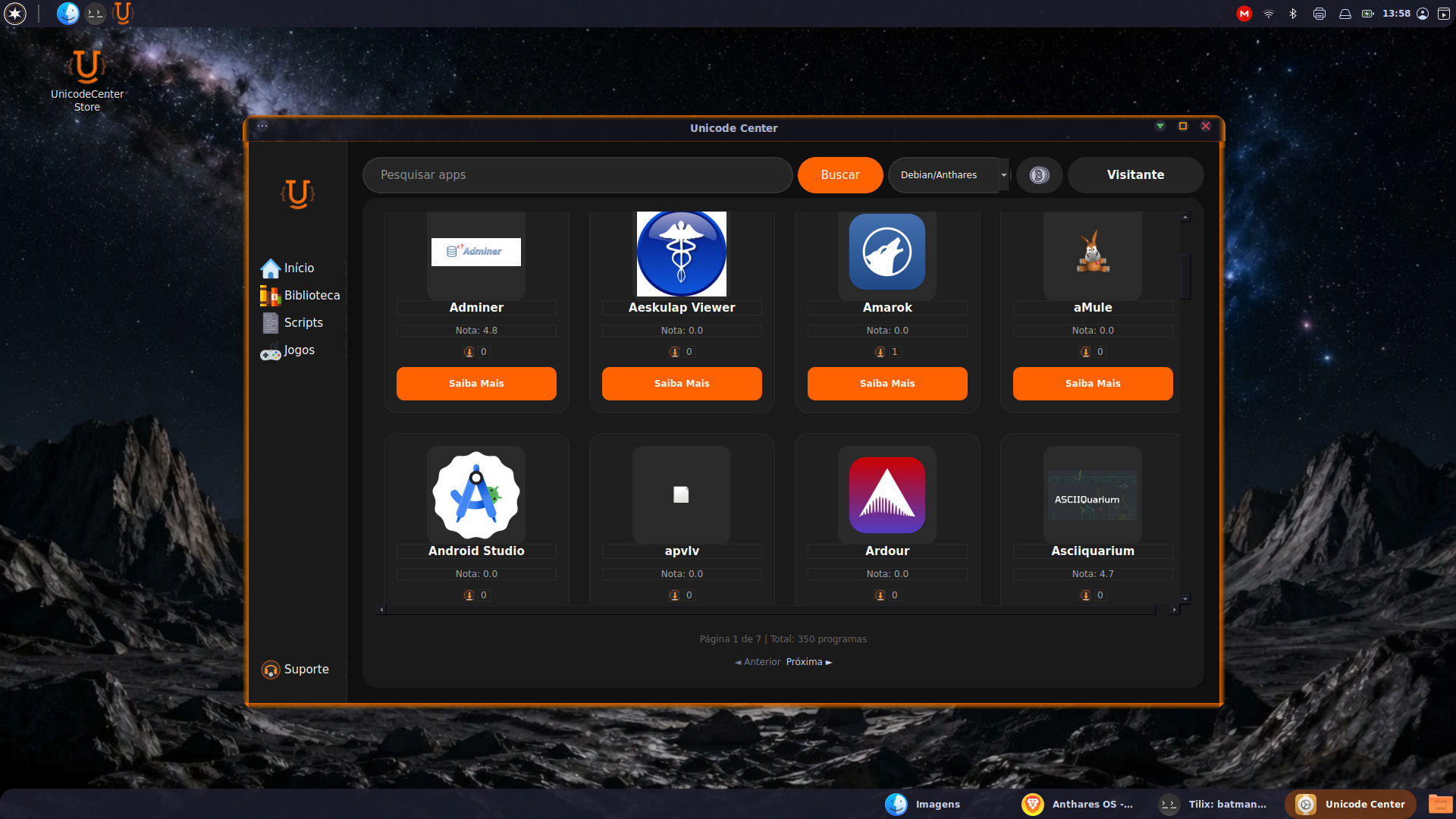
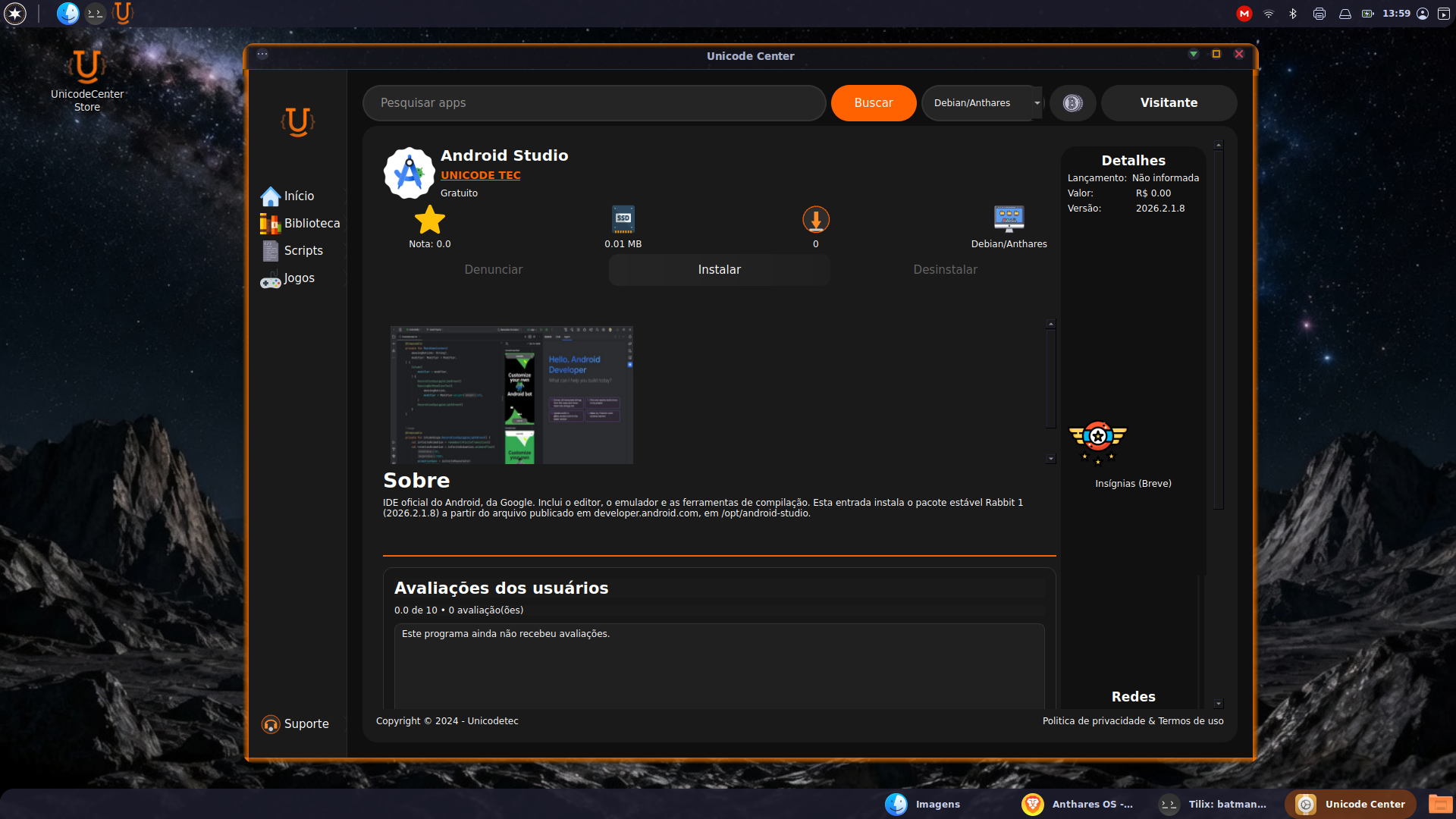
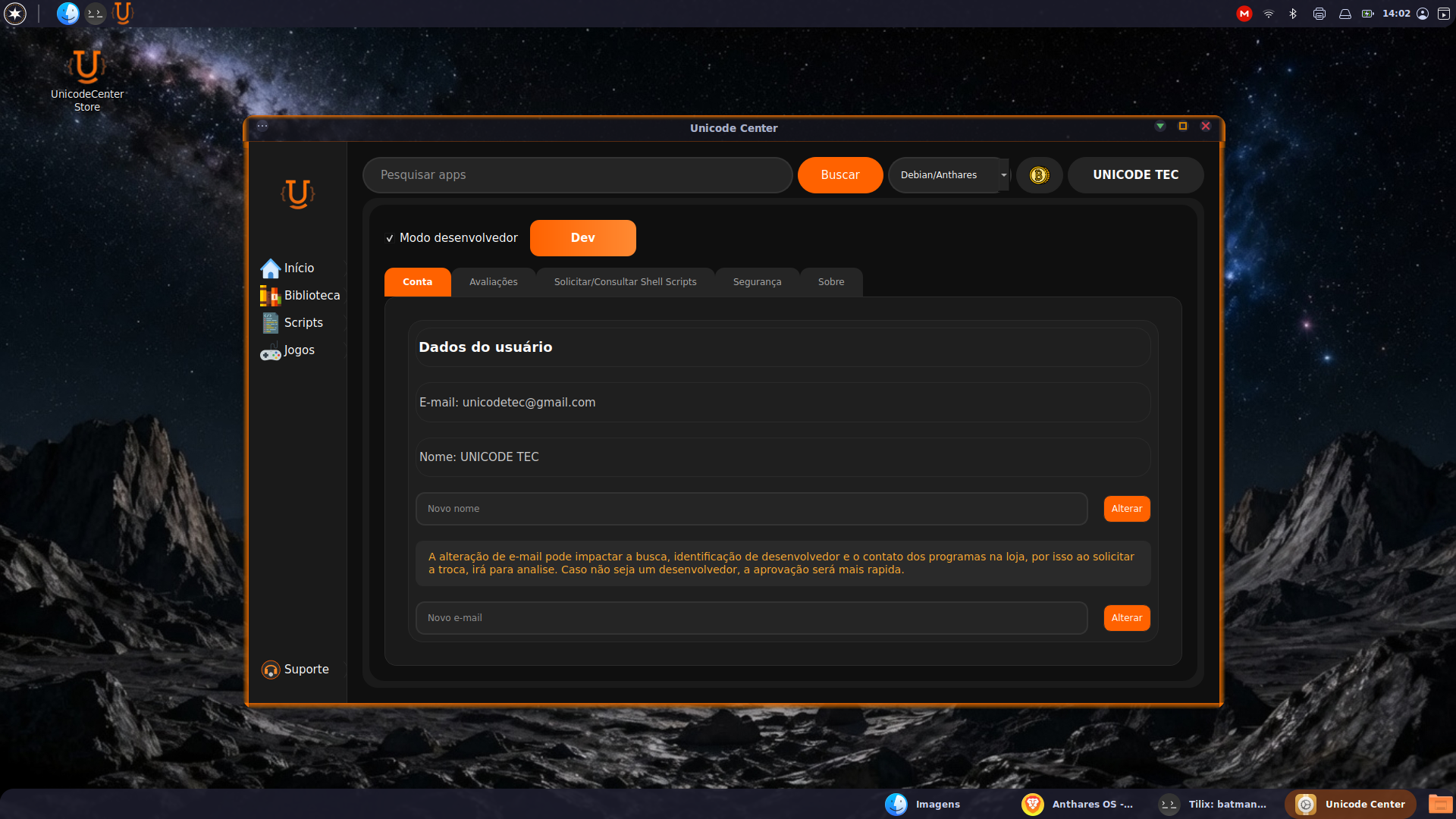
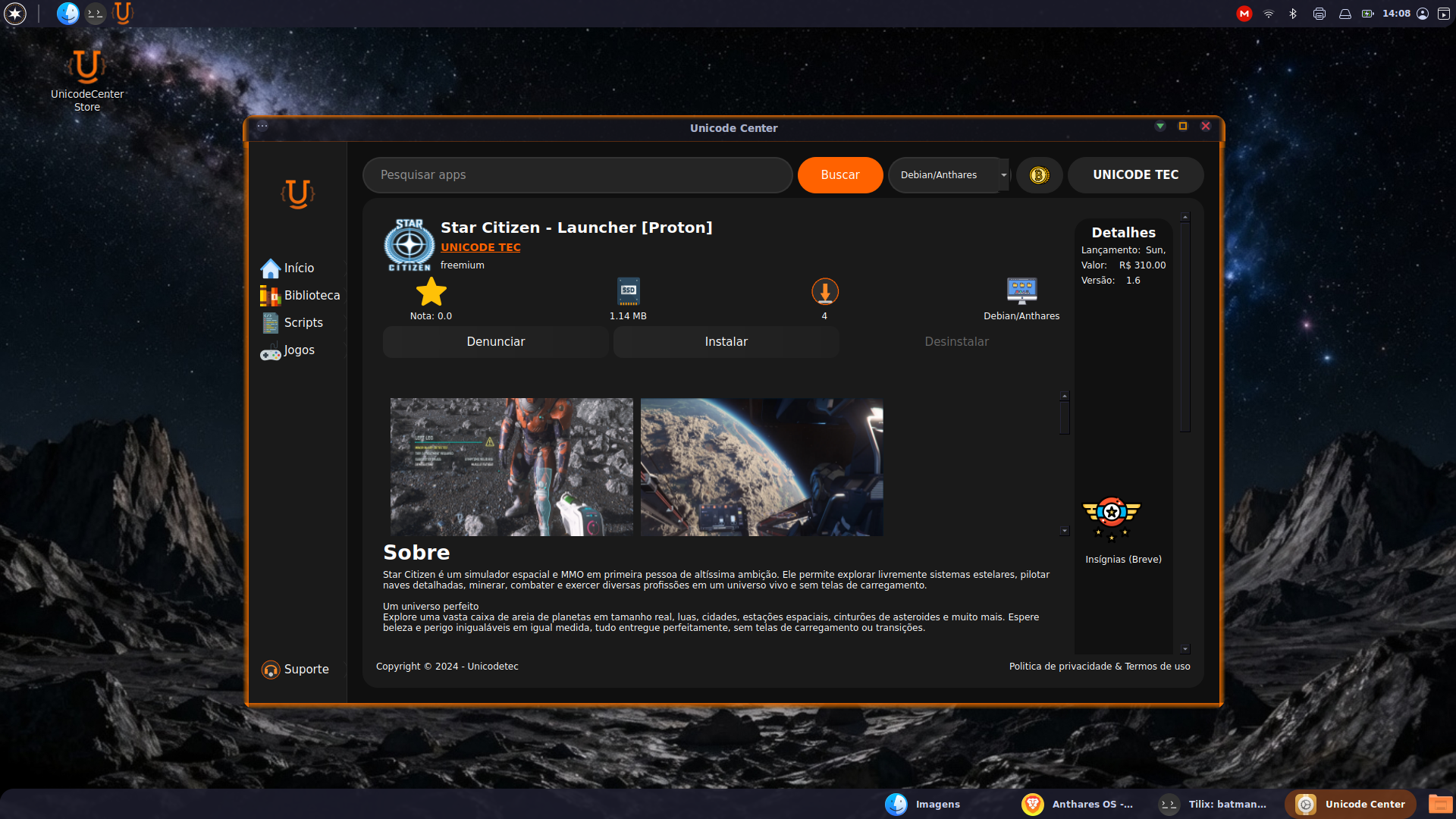
Unicode Center4 images
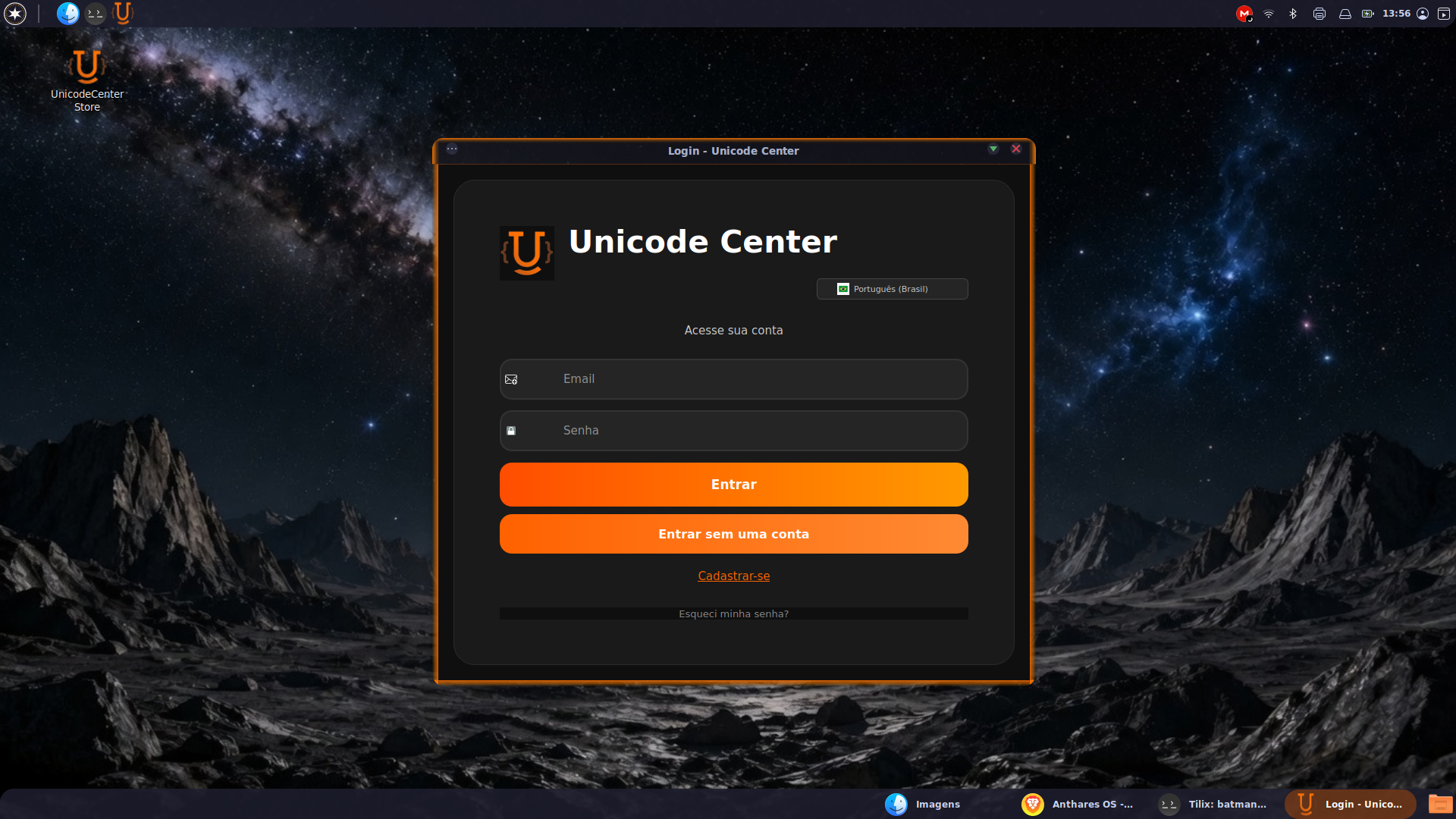
Open the app storeMany programs with one-click installInstall complex tools with one clickCheck the box next to the Dev button to publish programs in the store
Games1 image
Exclusive area of games tested and optimized for Anthares OS